Cyber Insurance Checklist for Small Businesses
A practical pre-application checklist for SMBs: the controls carriers expect, what 'good enough' looks like on a small-business budget, and how to apply honestly.
Small businesses sit in an awkward spot with cyber insurance. Carriers now expect the same core controls they ask of large enterprises, but a small business rarely has a dedicated security team to prove those controls are in place. The result is a lot of SMBs getting declined, overpaying, or worse, buying a policy that won’t pay because an attested control wasn’t real.
The good news is that the bar, while higher than it used to be, is a defined list. You don’t need an enterprise security program. You need a specific set of controls, implemented well enough to be true, and the documentation to back up your application. Here’s the checklist worth working through before you apply.
What do small businesses need for cyber insurance?
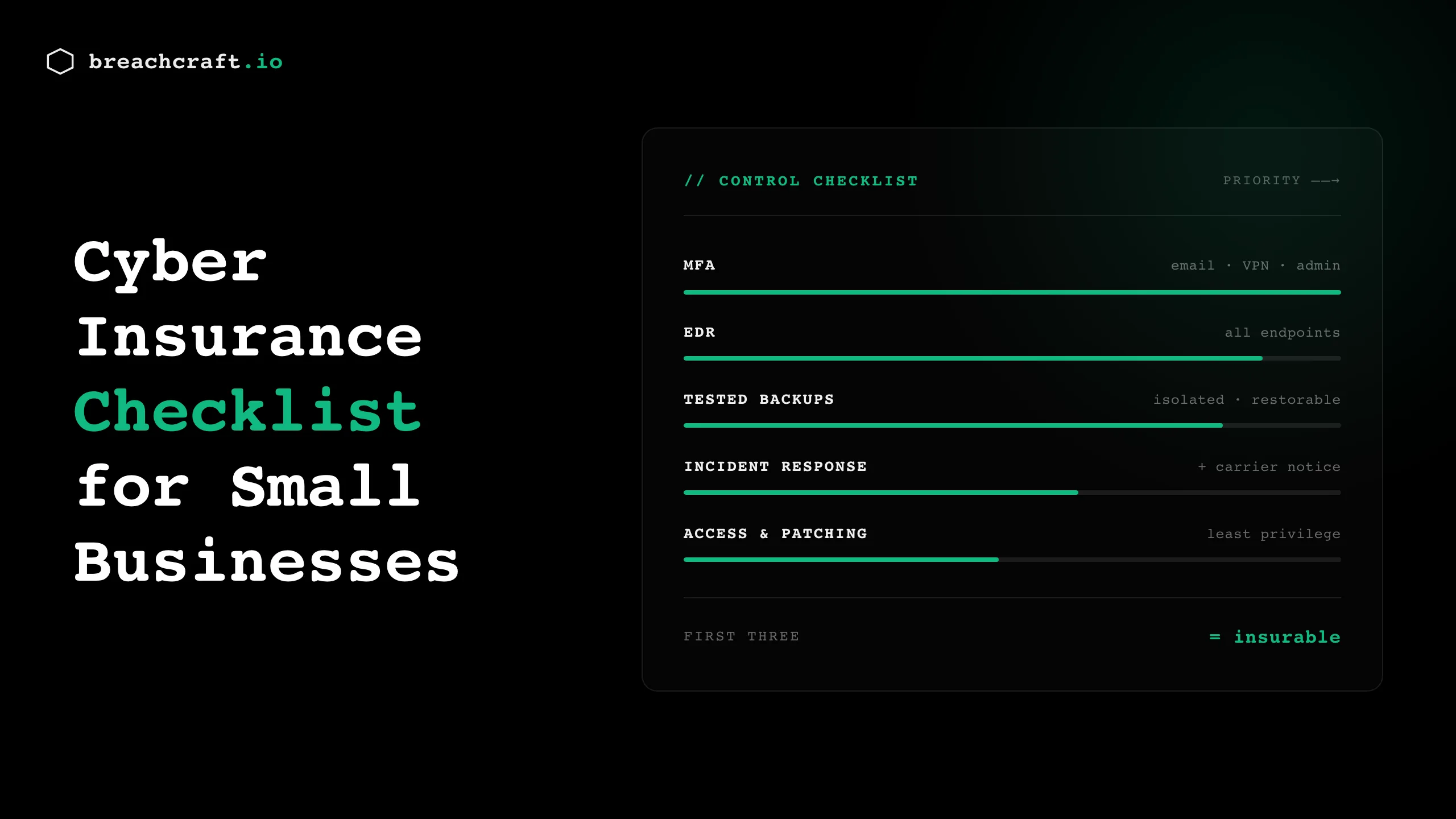
At minimum, most carriers now expect small businesses to have MFA on email, remote access, and privileged accounts; endpoint detection and response (EDR) on all systems; backups that are tested and isolated from the network; a written incident response plan; and basic email security and security awareness training. These are the controls the application asks about, and gaps in them are the main reason SMBs get declined or have claims denied. The goal is a defined baseline, implemented well enough that every “yes” on your application is provably true.
The checklist
Work through these before you fill out an application. For each one, the standard is simple: real, and documented.
Multi-factor authentication (start here)
MFA is the control carriers weigh most heavily, and it’s the highest-return item on this list. At a minimum, enforce it on email, remote access (VPN and any remote desktop), and all administrator accounts. For an SMB, app-based authenticators are usually acceptable at smaller coverage limits, though carriers increasingly prefer phishing-resistant methods for privileged access.
The gap that catches small businesses: MFA on email but not on the VPN, or on staff accounts but not on the admin account shared among the IT provider. Cover every login path, not just the obvious one.
Endpoint detection and response
Traditional antivirus no longer satisfies most carriers. They want EDR: tooling that detects suspicious behavior and can respond, not just match known signatures. For a small business, this usually means a managed EDR service or an EDR product your IT provider monitors. The “good enough” bar is coverage on every endpoint (workstations and servers) with someone actually watching the alerts.
Tested, isolated backups
Backups are where SMBs most often have a false sense of security. Carriers want backups that are isolated from the network (so ransomware can’t encrypt them) and tested (so you know they restore). An untested backup is a backup you don’t actually have. Confirm your backups are offline or immutable, and run a restore test so you can attest honestly that they work.
A written incident response plan
You need a plan on paper, however short, that says who does what when an incident hits, and critically, when and how you notify your carrier. Late notice is a common claim-killer, so the plan should make carrier notification an early step. For an SMB, a two-page plan with named roles and contact information beats a polished document nobody has read.
Email security and awareness training
Email is the primary attack vector, so carriers ask about email filtering and whether you train staff to spot phishing. Basic email security (spam and malware filtering, and controls to flag external senders) plus periodic awareness training covers the expectation. Simulated phishing helps, but even lightweight, regular training moves you in the right direction.
Least privilege and access control
Carriers increasingly ask whether users have only the access they need, and how you handle privileged accounts. For an SMB, this means not everyone is a local admin, departing staff lose access promptly, and the handful of admin accounts are tightly controlled. It’s less about tooling and more about discipline.
Patching
You need a functioning process for applying updates, especially critical security patches, on a defined timeline. Carriers scrutinize whether known-exploited vulnerabilities were left open. For a small business, patching doesn’t have to be instant; it has to be a real process rather than an open-ended backlog.
Documentation
The quiet requirement behind all of the above: keep evidence. Screenshots of MFA enforcement, your EDR coverage report, backup test results, the IR plan, training records. If you ever file a claim, this documentation is what proves the controls you attested to were real. It’s also what separates a smooth renewal from a stressful one.
If you can’t do everything before renewal
Few small businesses can close every gap at once, so sequence the work. Starting from limited controls, the order that buys the most insurability per dollar is roughly:
- MFA on email, remote access, and admin accounts. Highest impact, lowest cost, and the control carriers weigh most.
- EDR on every endpoint, monitored by someone. This is the second question carriers ask.
- Tested, isolated backups. The control that decides whether a ransomware event is a bad week or an existential one.
- A written incident response plan, including when and how you notify the carrier.
- Everything else: email security, least privilege, patching cadence, training.
Get the first three genuinely in place, answer the rest accurately, and you’re in a far stronger position than a business that checked every box optimistically and can’t prove any of them. Carriers would rather write a small business with three solid, verifiable controls than one with ten aspirational ones. Partial progress you can document beats a complete checklist you can’t.
Applying honestly is the whole point
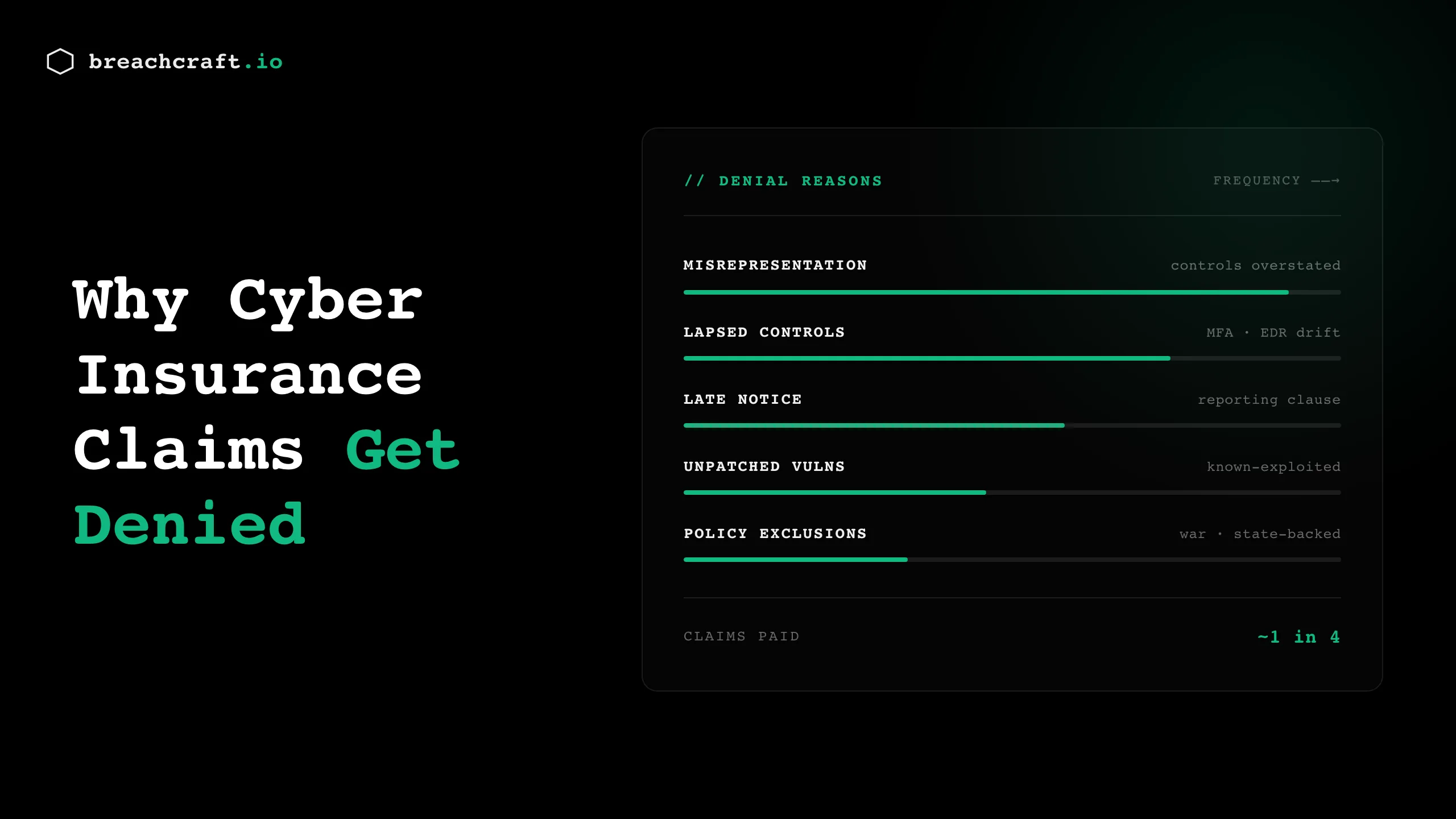
The temptation, especially for a small business under time pressure, is to answer the application optimistically, checking “yes” for controls you’re partway to implementing. Resist it. An inaccurate application is the leading cause of denied cyber claims, and a policy that won’t pay is worse than no policy, because you paid for false confidence.
Answer every question against what you can prove today. If you’re not there yet on a control, either implement it before you apply or answer accurately and accept the terms that follow. Carriers reward honesty with a policy that actually responds; they punish optimistic applications at exactly the moment you need coverage.
Where to get help
Most small businesses don’t have the internal expertise to know whether their controls meet what carriers expect, and that’s a reasonable gap to outsource. A gap assessment walks your environment against this checklist and the specific questions carriers ask, so you apply with confidence instead of hope. For businesses that want ongoing security leadership without a full-time hire, a virtual CISO keeps these controls maintained between renewals, which is where a lot of SMBs quietly fall out of compliance.
For the broader picture of what carriers require and why, our cyber insurance requirements guide goes deeper, and if a claim is your worry, the common reasons cyber claims get denied are worth understanding before you buy.
Getting ready to apply or renew? Contact Breach Craft and we’ll help you meet the checklist that actually matters to your carrier.